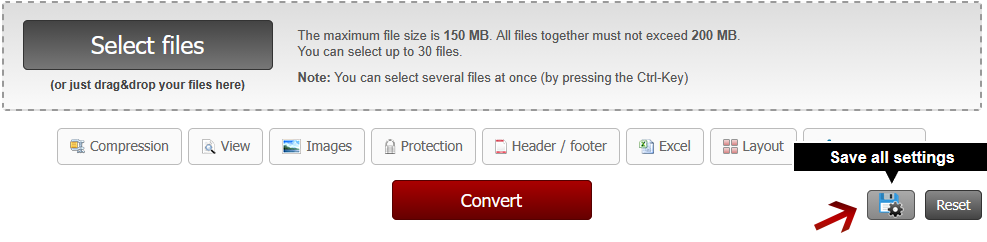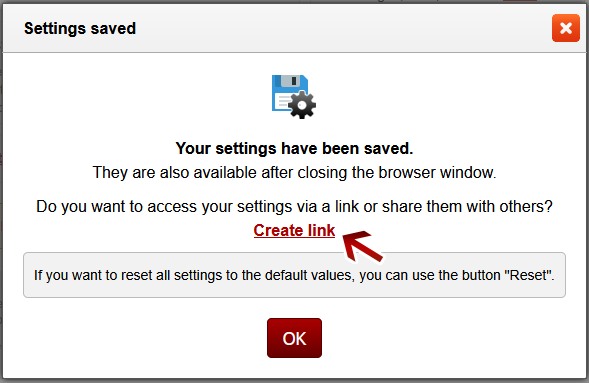



All conversions are done online - no setup is required! The complete process takes only a short time and is based on a simple user interface. Altogether, Online2PDF offers 16 useful main features, which are available in one single user interface. You can also combine them according to your needs and requirements: Conversion to PDF (also several files separately) 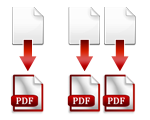 Merge files Merge files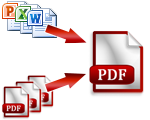 Extract pages, rearrange pages or Extract pages, rearrange pages or split files  Rotate PDF pages Rotate PDF pages Compress PDF & reduce file size Compress PDF & reduce file size Conversion from PDF to Word, Excel & PowerPoint Conversion from PDF to Word, Excel & PowerPoint Make scanned PDF searchable Make scanned PDF searchable Remove protection & Remove protection & unlock PDF  Protect PDF or Protect PDF or change password  Create header / footer Create header / footer Create bookmarks & Create bookmarks & adjust view  Multiple pages Multiple pages per sheet  Create booklet Create booklet Split multi-page-layout Split multi-page-layout Change PDF page layout Change PDF page layout  Optimize scans and image documents Optimize scans and image documents |
| ||||||||
|